





Moneto, on every platform you use
Published on August 16, 2026
Moneto keeps the household books on whatever you happen to be holding. It downloads from the App Store, Google Play and the Microsoft Store, and there is a web version you open in a browser: log an expense on your phone while queueing at the till and it is there on your computer, with no exports and no sync to trigger by hand.
One account, four platforms
iOS, Android, Windows and the web talk to the same API and share the same account: wallets, transactions, budgets and savings goals are identical wherever you open the app. There is no main platform and no fallback one — what changes is how you interact, not what you see. The interface is available in 18 languages.
Native where it matters
The Android app on Google Play is a native port written in Kotlin and Jetpack Compose, with home-screen balance widgets and long-press shortcuts. On iOS the native SwiftUI version, for iPhones on iOS 17 and later, is in testing on TestFlight and lands on the App Store with the next release; the build in the store today is the .NET MAUI one, with Face ID, Sign in with Apple and push notifications. On Windows the app installs from the Microsoft Store.
What it actually does
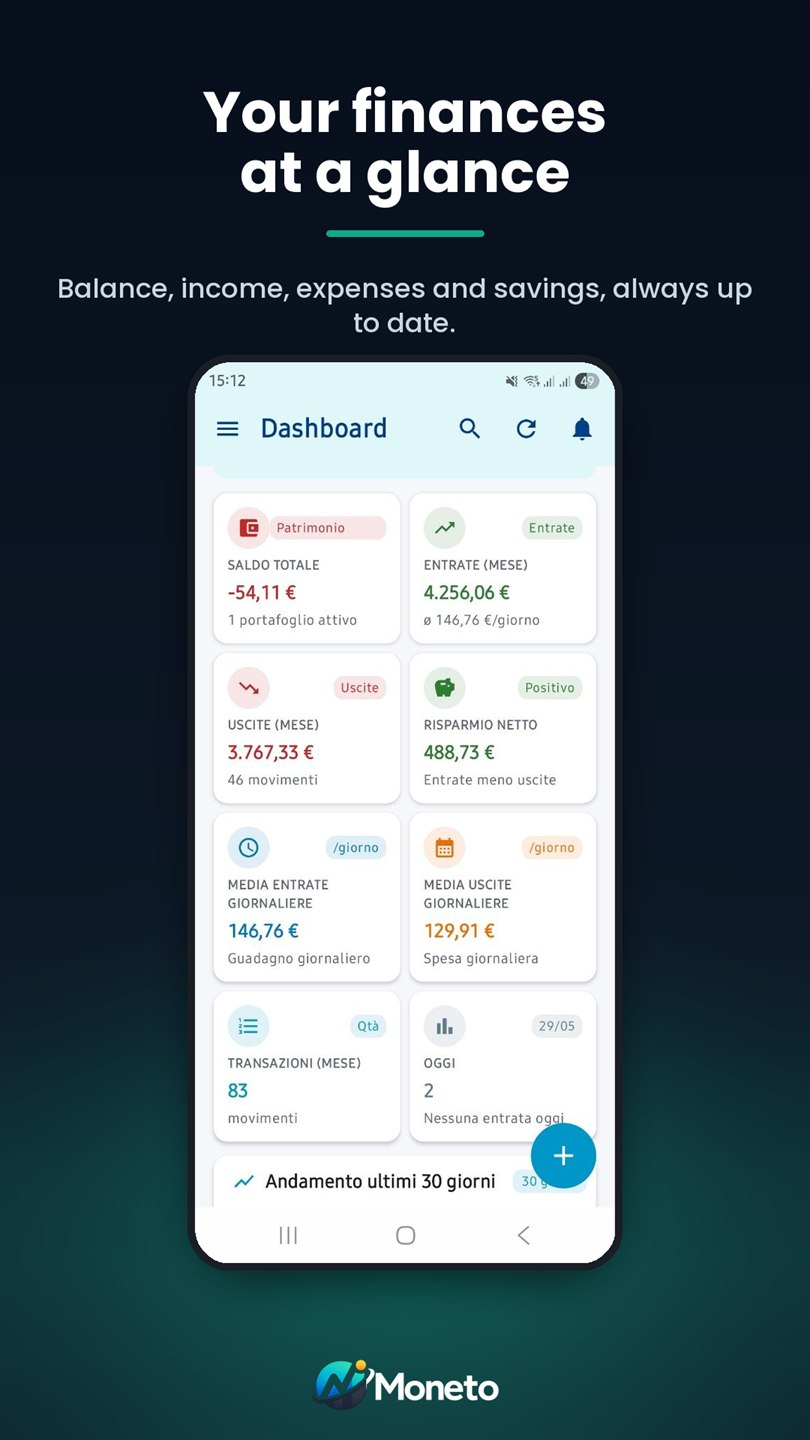
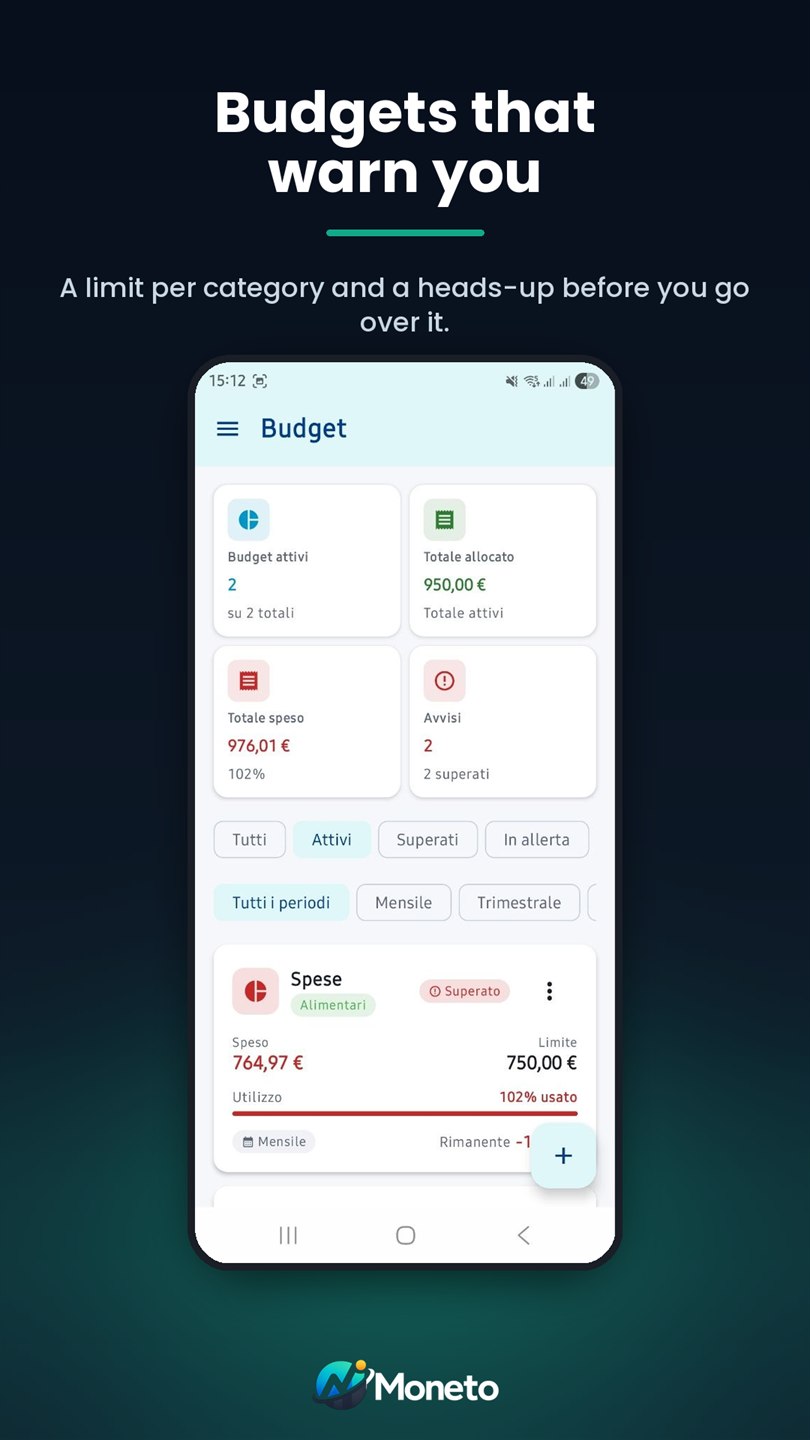
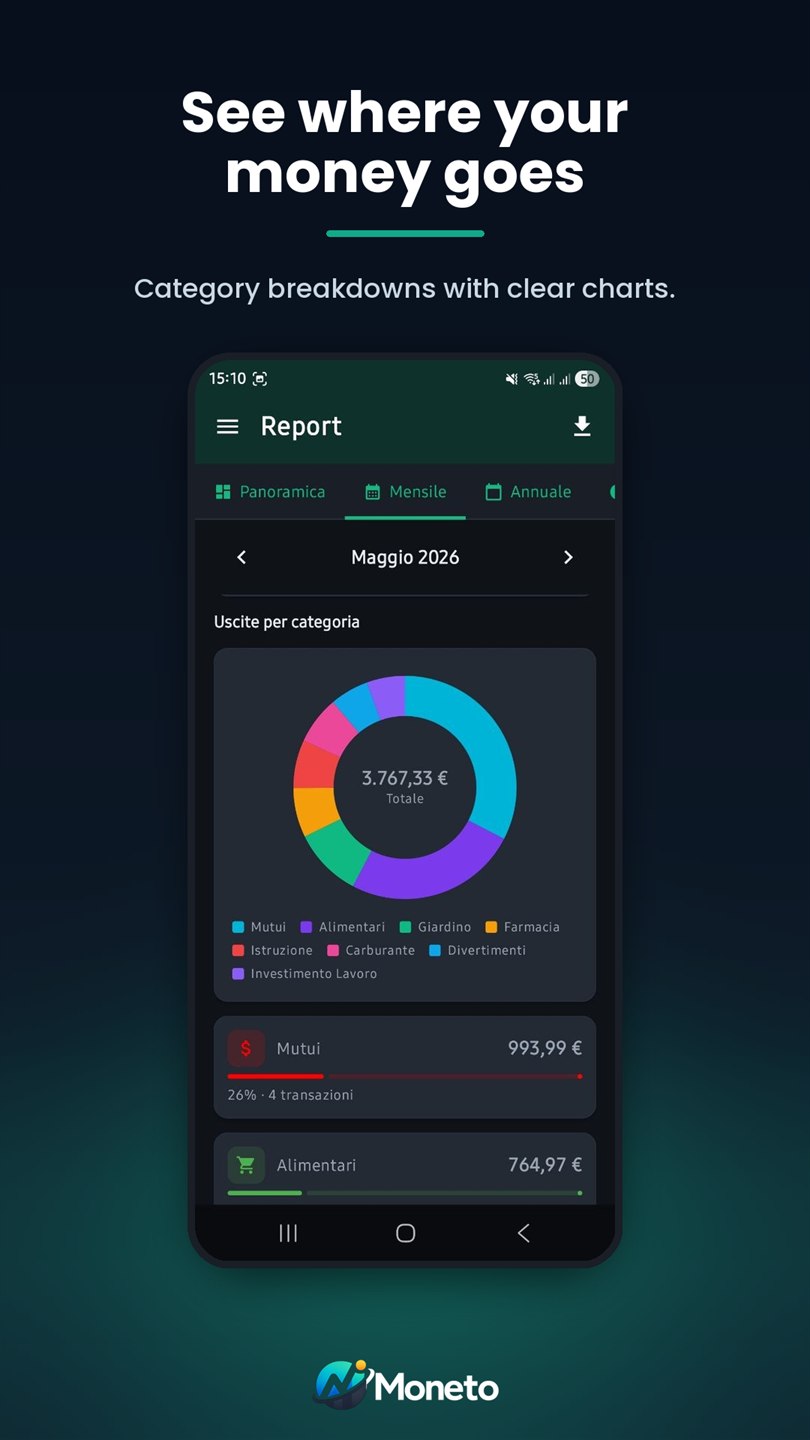
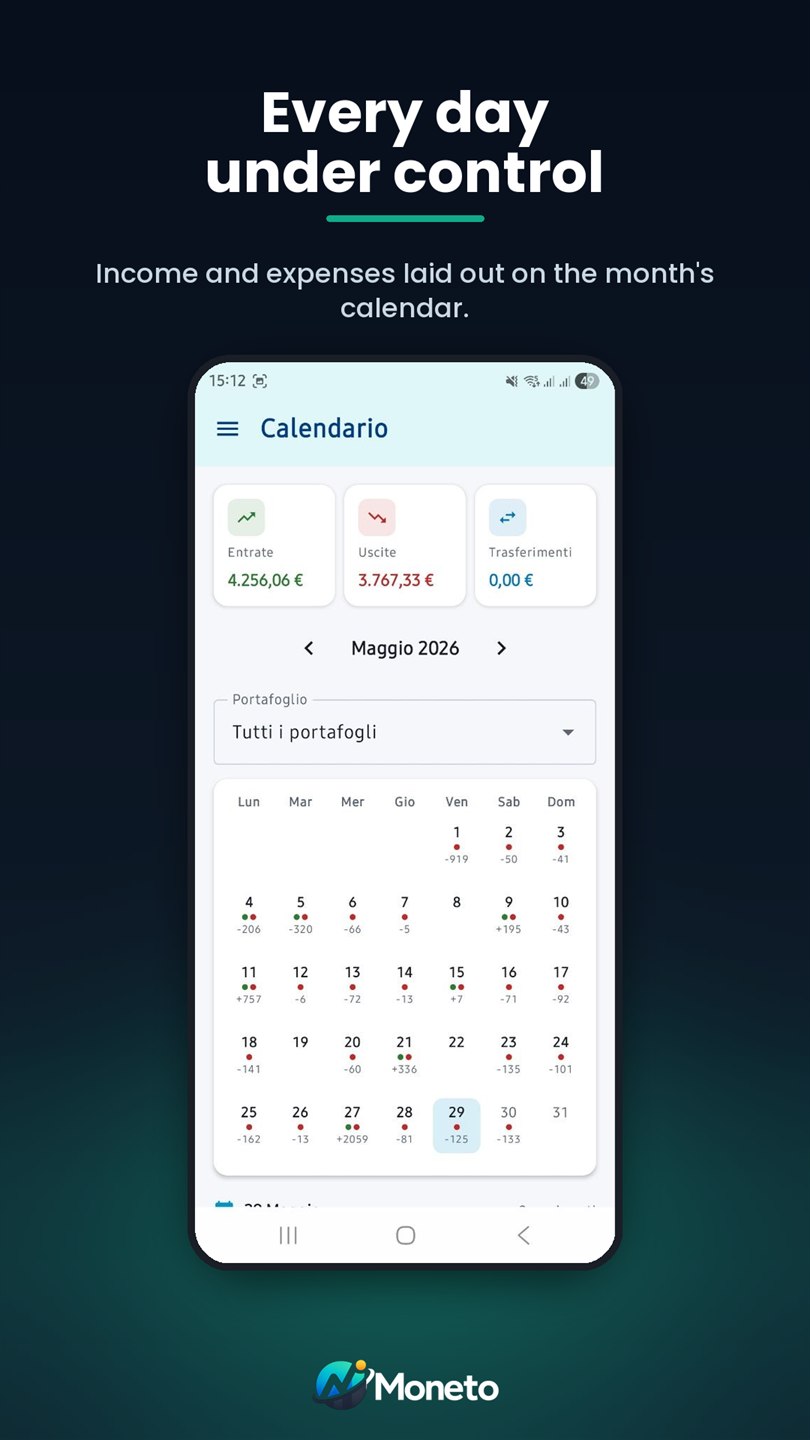
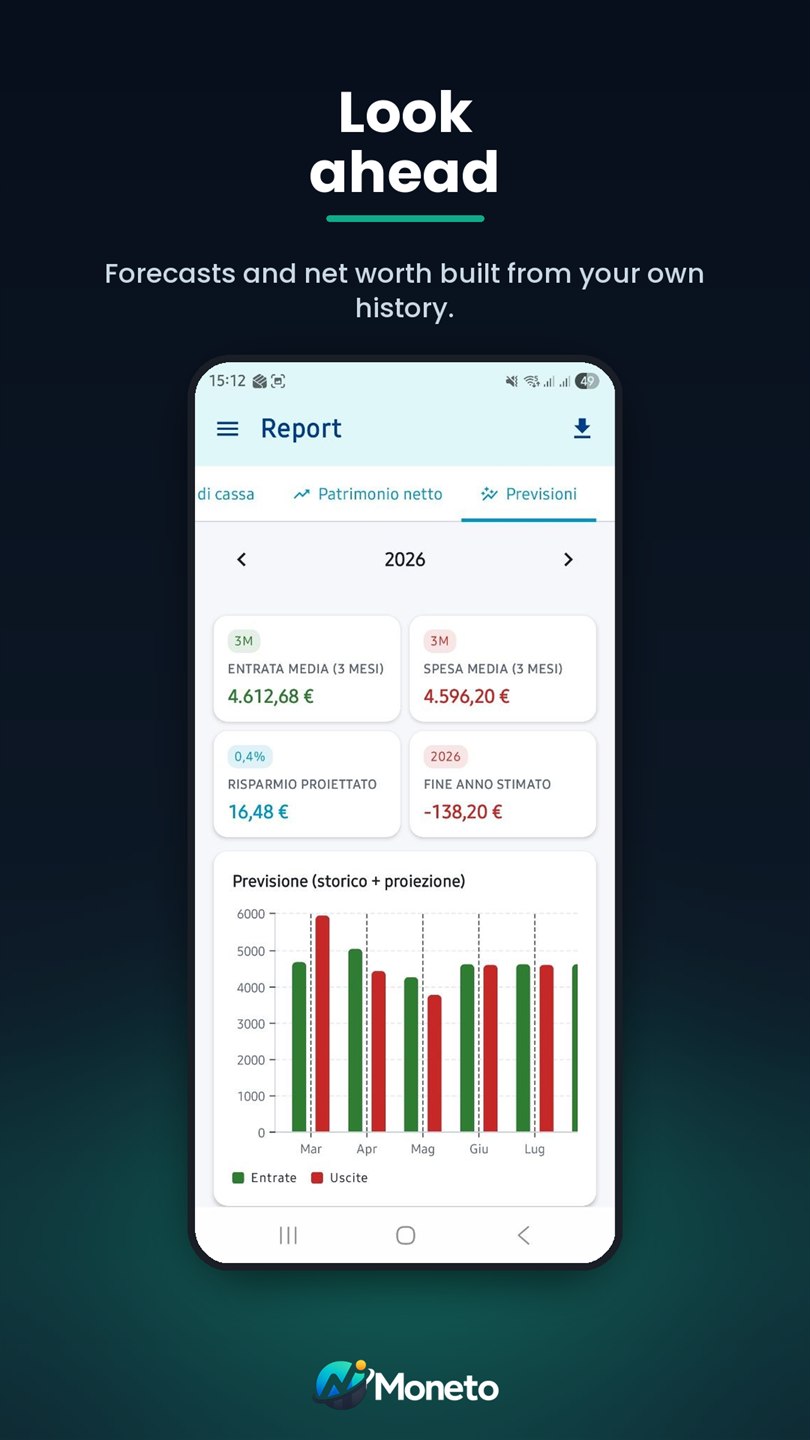
The dashboard opens on the month's balance, income, expenses and savings. Budgets set a limit per category and warn you before it is crossed. Reports break spending down by category, month by month and across the year. The calendar shows how each single day went. Forecasts and net worth are built from your own history, not from generic estimates. Then there are multiple wallets, group expenses split between participants, recurring transactions and attachments on individual entries.
What it costs
Moneto is free to use. The advanced features sit behind Premium, with a seven-day free trial; the subscription is managed from the store you started it in, without going through us.
The app in pictures
Try it
On the App Store, Google Play, the Microsoft Store and in your browser.